Fydo Logo
  • Pricing
Get a Free Demo
Loading
WhatsApp
Fydo Logo

Built for Shops

Loved by Shoppers.

Loved by those who sell. Loved by those who shop. Loyalty, the Fydo way : )

Get AI summary

Product

Loyalty ManagementWhatsApp MarketingCustomer CampaignsReferral

Solutions

Fashion & ApparelSalons & BeautyJewellery ShopsGrocery StoresRestaurants & Bars

Company

About usContact UsPartner with FydoTerms and ConditionsPrivacy PolicyRefund Policy

© Lfyd services private limited • All rights reserved

  1. Home
  2. Loyalty Programs
  3. QR loyalty and earning rules

However your customer pays, their loyalty journey continues

A Fydo QR at your counter lets customers pay with any UPI app and enter your loyalty journey automatically. Cash or card? Your staff enter a phone number and the bill. Earning rules decide the reward.

Get a Free DemoSee the earning rules
No form to fill (idea)
Scan to join
9:41
Joined

Four ways a customer can pay

Select a flow to see the steps.

  1. 1
    The customer scans your Fydo QRIt sits at your counter.
  2. 2
    They pay with any UPI appPaytm, PhonePe or any other UPI app.
  3. 3
    They enter your loyalty journeyTheir reward is applied according to your setup.
9:41
Scan and pay₹1,200Pay

Best for: shops that want a simple QR at the counter.

  1. 1
    Your staff enters the customer's phone numberIn the Fydo Partner app.
  2. 2
    They enter the bill amountCash, card or UPI.
  3. 3
    The transaction is recordedThe customer's reward and loyalty journey continue.
9:41
Secure paymentPayment methodCard / UPI / CashPhone number98765 43210Amount₹1,200Submit

Best for: keeping loyalty working when customers do not pay by QR.

  1. 1
    Generate a QR for the transactionA unique QR for every bill.
  2. 2
    The customer scans and paysThe amount is already in.
  3. 3
    Payment and loyalty connect automaticallyNo extra entry at the counter.
9:41
Scan and pay₹1,200Pay ₹1,200

Best for: bills where each payment should be matched to its loyalty reward.

  1. 1
    Tell the Fydo team how you sell onlineYour platform and your setup.
  2. 2
    They confirm what can be connectedThey tell you what can be connected for your platform.
  3. 3
    Once it is connectedOnline and in-store purchases join one customer.
Your shop+Online storeFydoOne customer

Talk to the Fydo team about connecting your online store.

See it in the real Fydo app

A QR poster, a static QR at the counter, a dynamic QR and what the customer sees after paying.

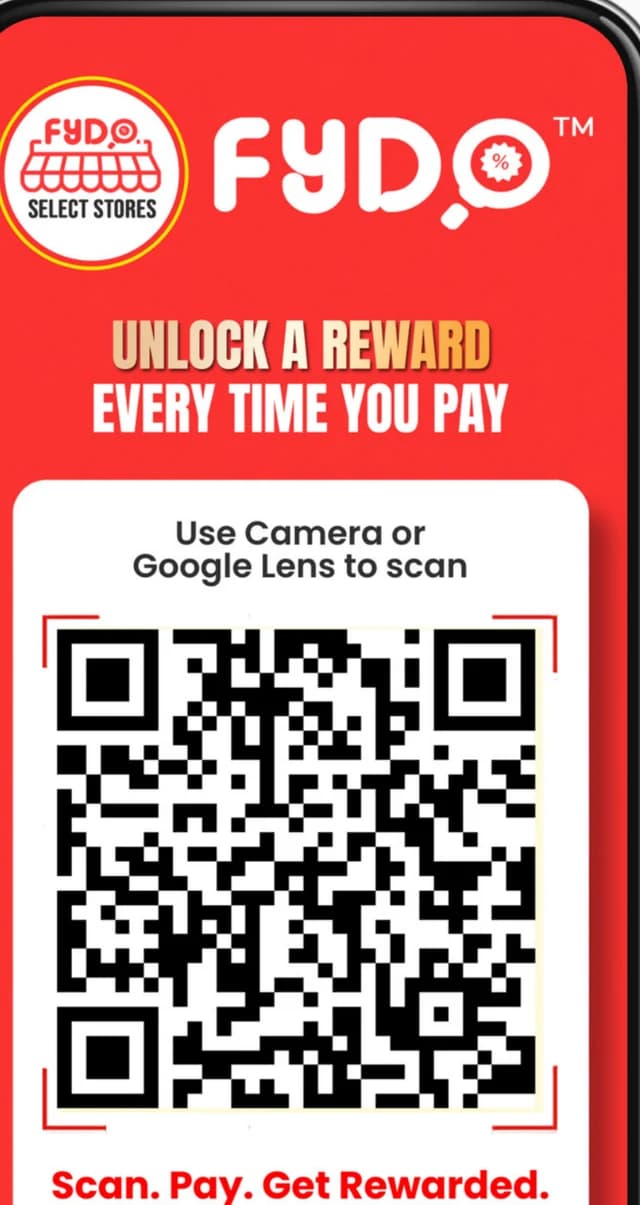
A Fydo QR poster that says Unlock a reward every time you pay.
A Fydo QR poster for the counter
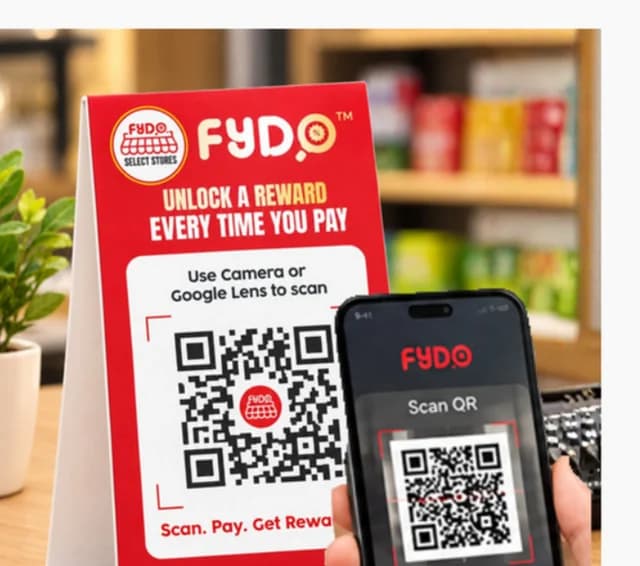
A customer scanning a static QR code on a counter stand with a phone.
A static QR on the counter, scanned with a phone
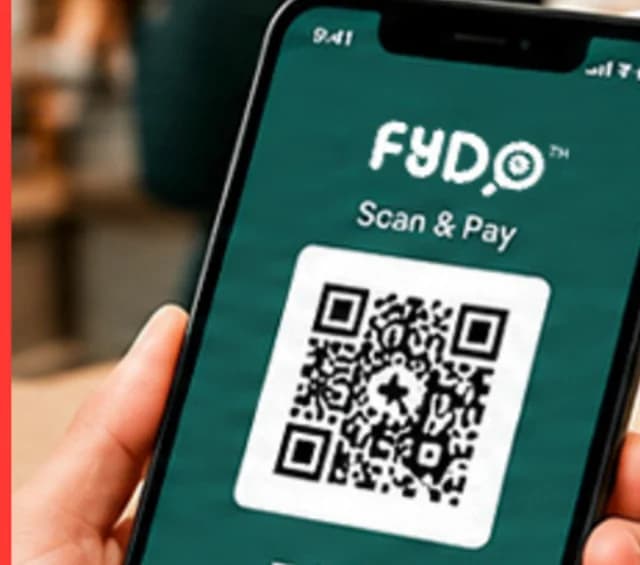
A phone showing a Fydo scan-and-pay QR code and a Payment Successful message.
A dynamic QR that carries the bill amount
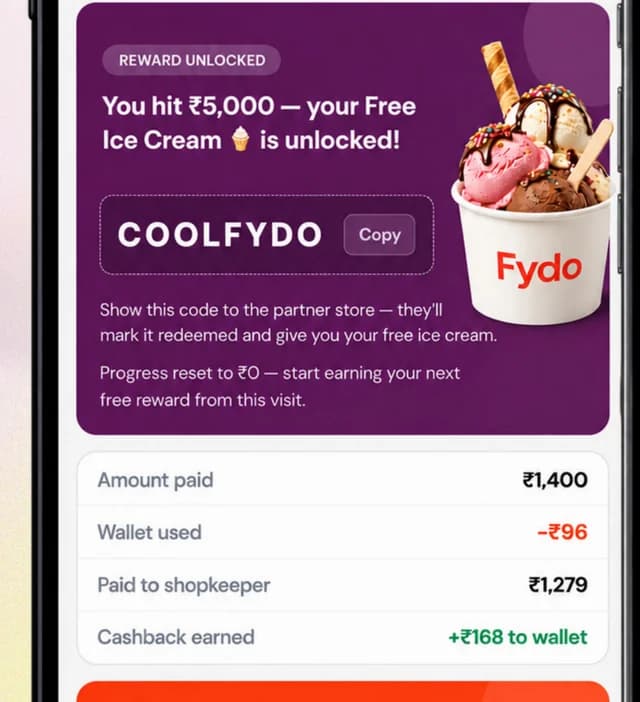
A customer screen showing reward unlocked, amount paid, wallet used and cashback earned.
After paying: reward unlocked, wallet used, cashback earned

From the Fydo Loyalty Deck (September 2026).

Try the counter yourself

Pick a customer and a bill. Staff enter the phone number and the amount, and everything else follows.

1. Find the customer by phone number

2. Enter the bill

You choose your own.

P
PriyaRepeat customer4 visits · last visit 12 days ago
Wallet after this bill₹142
Bill
Bill₹1,200
Reward applied−₹100
Amount to collect₹1,100
Cashback added to wallet+₹22
9:41
F
Fydo BasketBusiness chat
Thanks for shopping with us, Priya! ₹22 cashback has been added to your wallet. You saved ₹100 today.6:05 pm

Build a rule in minutes

The four choices a merchant makes when creating a programme in the Fydo Partner app.

1

1. Pick your goal

2

2. Pick the reward

3

3. Set how they earn it

4

4. Choose who gets it

Your programme

Goal: Get more repeat customers. Reward: Cashback. Earned: every visit. For: all customers.

Fydo suggests the message wording. You review it and activate.now

The four choices a merchant makes when creating a loyalty programme in the Fydo Partner app.

Ways to earn

Reward the behaviour that matters to your business.

Every visit

Reward each trip, for example a stamp or cashback every time.

In the Partner app

After a number of visits

A visit goal, counted per day, week, month or lifetime.

In the Partner app

Spend

A minimum bill, a single-purchase threshold, or a goal across several purchases.

In the Partner app

Time of day or week

Offers for quiet hours or specific days.

In the Partner app

Occasions

Festival dates, birthdays and anniversaries.

In the Partner app

Tiers

Levels based on visits or spend, with benefits for each.

Points

Points on every bill, redeemed for what you choose.

Custom rules

A bespoke structure built around your business.

Confirmed about Fydo today
  • Rewards and cashback can be based on visits, spending or special occasions.
  • Rules are set once and apply automatically at checkout.
  • Customer profiles are built automatically from every visit.
  • Rewards are held in a wallet for each shop.

Points and custom rules are set up together with the Fydo team.

Related

Loyalty ProgramsLoyalty program software for shops: choose cashback, points, rewards, QR loyalty and referPointsEarn points on purchases and redeem them for rewards.CashbackReturn a share of each bill as money back on a later purchase.Integrations & InfrastructureHow loyalty connects to billing, WhatsApp and your other tools.GroceryLoyalty for frequent, small-basket shopping.

QR and earning rule questions

Make every payment count

Ask how this could work at your counter.